
BookWyrm
On the webOn iPhoneYour federated shelf, kept as its own record.
Available now
BookWyrm exports your book list as a file. Nook reads it on your device, keeps the federated identity of each edition, and brings the books you choose onto your shelf.
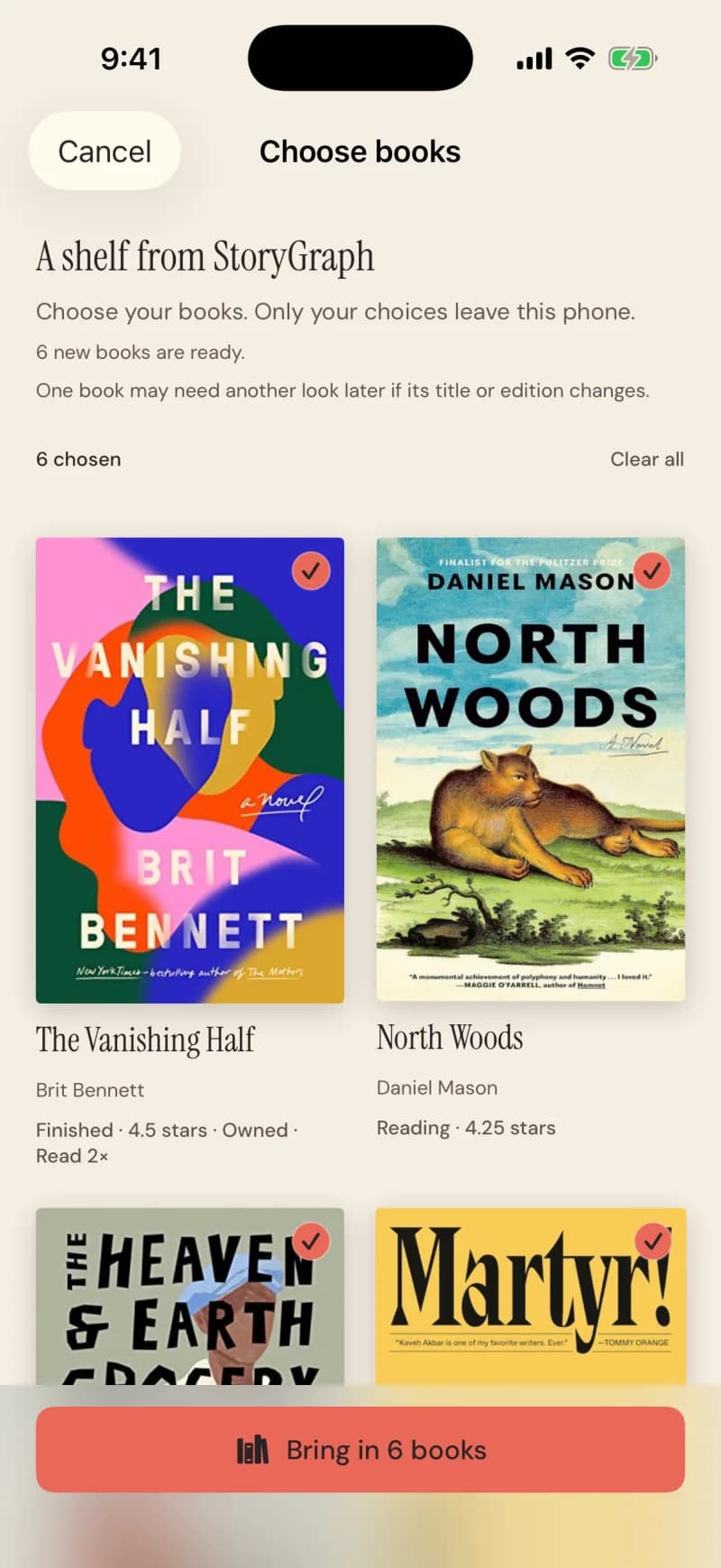
Shown with a StoryGraph export; Goodreads and BookWyrm use the same screen.
Steps
- On your BookWyrm server: Settings, Data, then Export Book List.
- Open the file with Nook — choose it on the web, or share it from Files on iPhone.
- Every book starts selected. Tap any you’d rather leave.
- Tap Bring in N books.
What comes across
What stays private
Good to know
- Works with any BookWyrm instance; nothing to configure.