Google Play Books
On iPhoneYour Google shelves and highlights, refreshed every time you look.
Available now
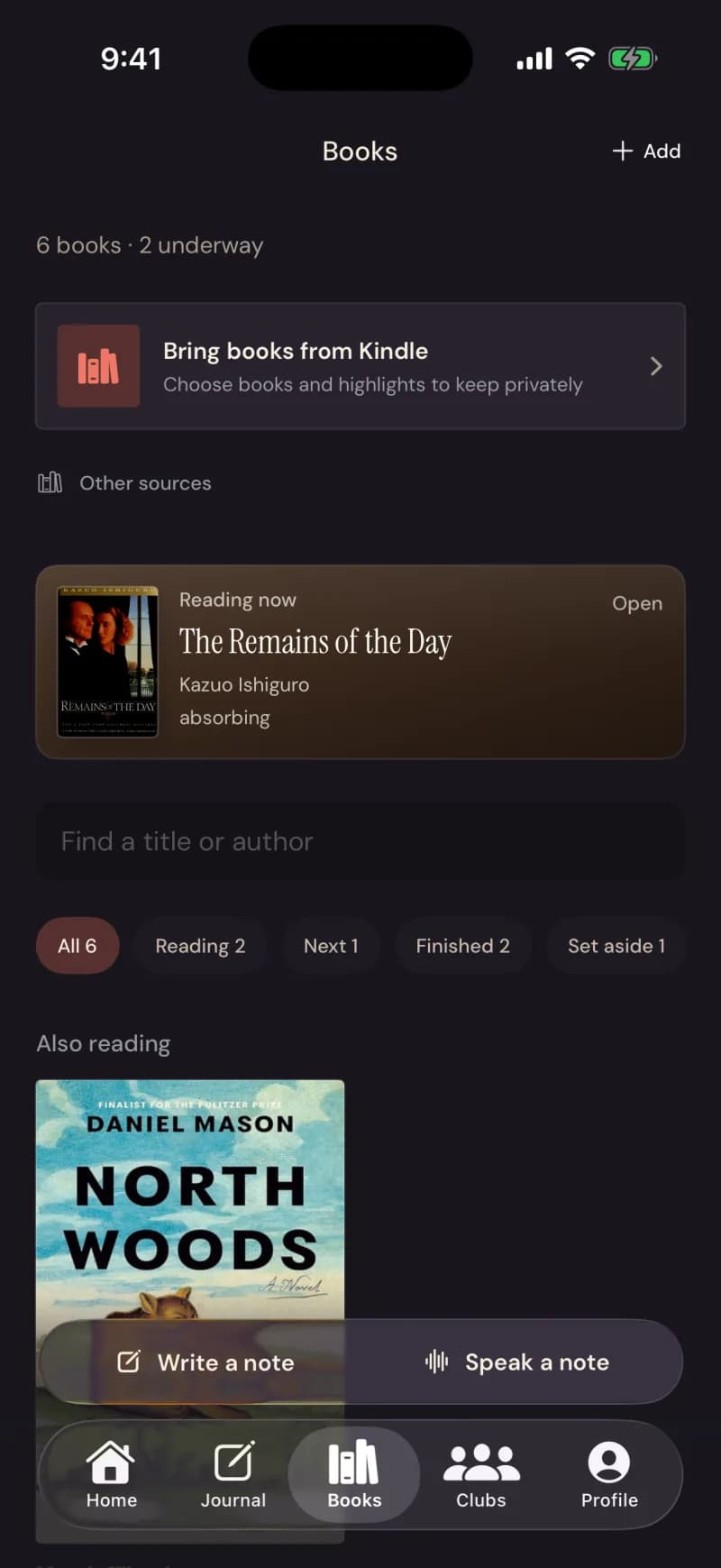
Google Play Books has a proper, official way for an app to read your library. Sign in with Google on your iPhone, choose your books once, and Nook refreshes exactly that set each time you open Books.
Steps
- In Books, tap Google Play Books and sign in with Google.
- Choose the books you want to bring into your private nook.
- Tap once to bring them in.
- Later, opening Books refreshes the same books — no decisions.
What comes across
What stays private
Good to know
- Google Play Books is currently in Testing and available only to approved test accounts.
- New connections use a separate Google Books permission. Disconnecting it leaves your Google sign-in to OBN intact; older connections explain any additional effect before removal.
- Highlights land privately, like every other source.